
How To Transfer Data From PC or Laptop to Android Phone Using a USB cable !

The old standard for transferring data from the laptop to the phone is via USB. It's still fast and easy, as long as you have a compatible cable. Unfortunately, the switch to USB-C on most modern phones left many of our old cables unnecessary. Often, they do not come with USB-C to the USB-A cable you need for most laptops.
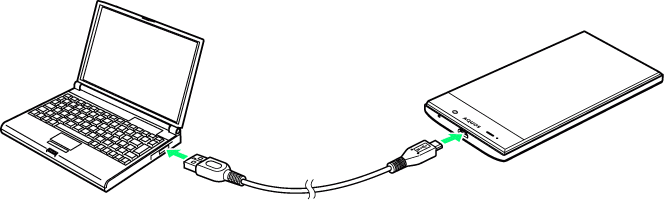
Image Credit
But assuming you have one, then it's easy to do. On Windows or Chromebooks:
*Connect your phone.
*Touch the notification that Android shows with "Charge this device via USB."
*In Use USB to select the file transfer.
This is. A file transfer window will open on your computer showing your phone (and the SD card if you have one). Then you can start copying your files.
The instructions are almost the same on a Mac, but you will need to install the Android File Transfer software first.
This method is suitable for copying large amounts of data. Try it when you want to transfer movies or your entire music collection. This also facilitates the transfer of files to the SD card of your phone.

 0.000 SRY