

Assalamu Alaikum,
Good afternoon everyone, today I started writing to give a technical post. In this post, I will show you how to "power up" in "Serey Wallet". This post is not for those who are experienced in this. It is only for those who are new and do not understand how to do it. I hope that by following my rules, you will also be able to power up. Then keep looking at the rules and regulations for powering up according to the table below. I hope you can too.
আসসালামু আলাইকুম,
সবাইকে বিকালের শুভেচ্ছা জানিয়ে, আজ একটি টেকনিক্যাল পোস্ট উপহার দিতে লেখা শুরু করলাম। এ পোস্টে আমি দেখাবো "Serey Wallet"এ কিভাবে আপনি "পাওয়ার আপ" করবেন। যাহারা এ সম্পর্কে অভিজ্ঞ তাদের জন্য আমার এ পোস্ট নহে। শুধুমাত্র তাদের জন্যই, যারা নতুন এবং কিভাবে করবেন তা বুঝে উঠতে পারতেছেন না। আশা করি আমার এই নিয়ম অনুসরণ করলে আপনিও আপনার পাওয়ার আপ করতে পারবেন। তাহলে দেখতে থাকুন নিচের ছক অনুযায়ী পাওয়ার আপ করার নিয়মকানুন গুলো। আশা করি আপনিও পারবেন।
#
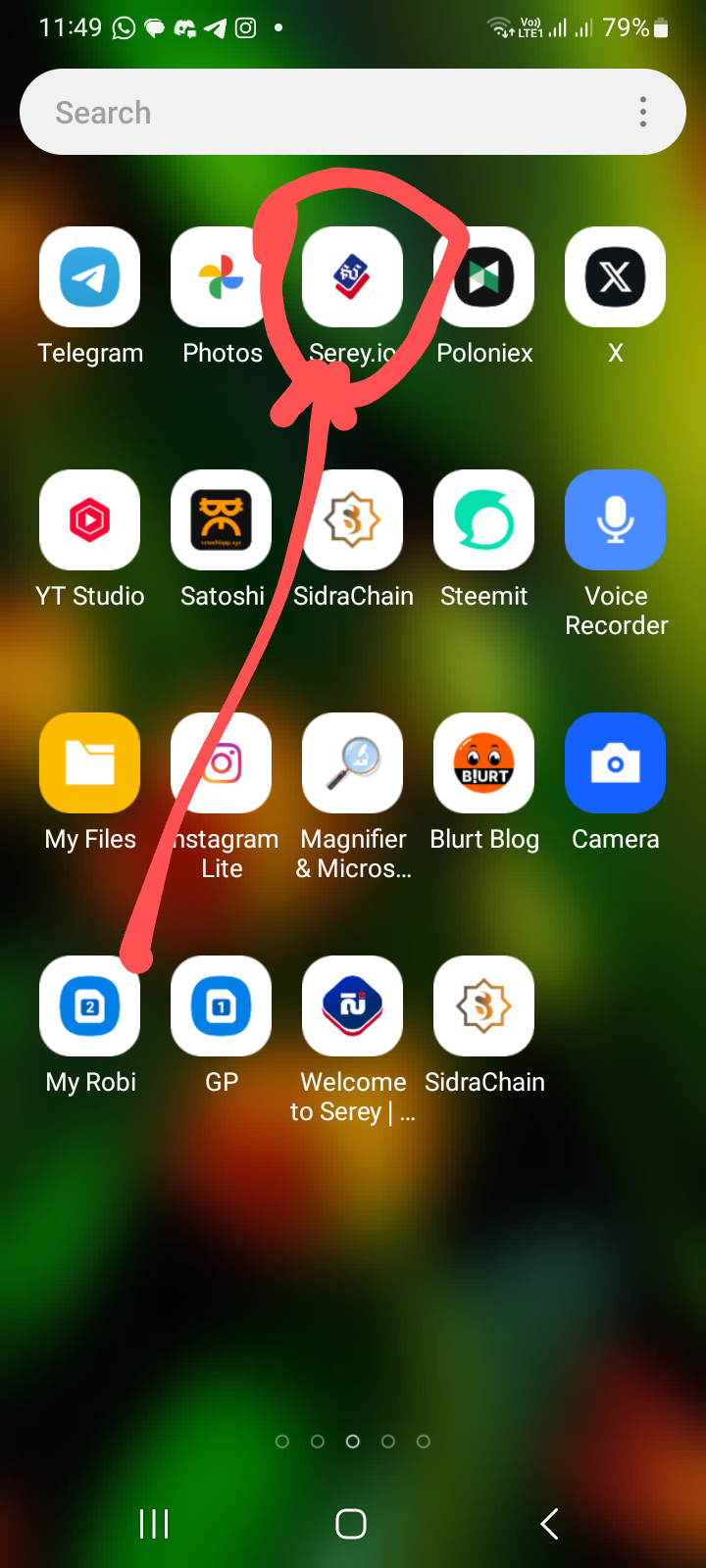
1. First, open the Cheri app.
১. প্রথমে ছেরি অ্যাপ ওপেন করে নিবেন।
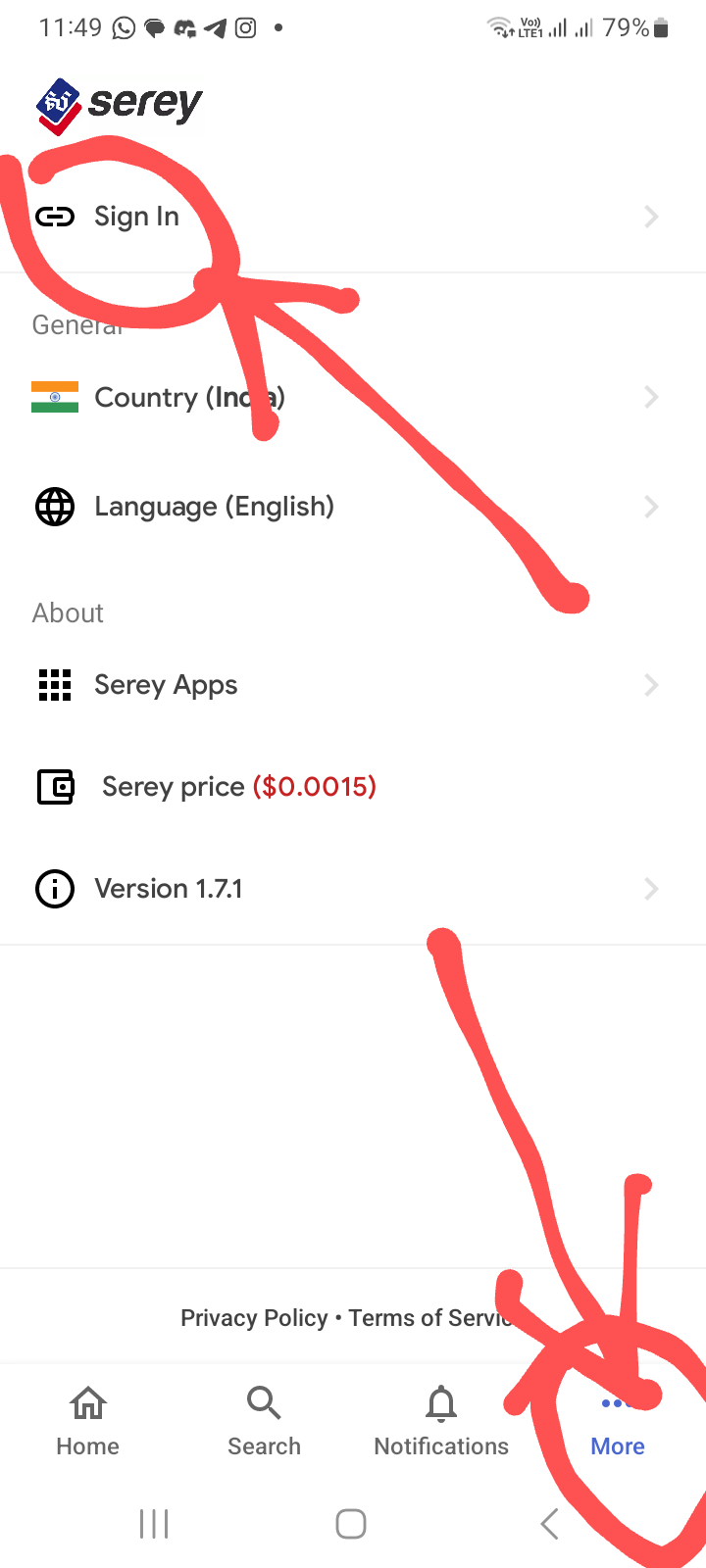
2. When the Siri app opens, click on the More option in the bottom right corner. Then click on the Sign In button at the top to go to the next step.
#
২। সেরি অ্যাপ ওপেন হলে নিচে ডান কর্নারে More অপশনে একটা ক্লিক করে দিতে হবে। তারপর উপরে সাইন ইন বাটনে ক্লিক করে পরের ধাপে যেতে হবে।
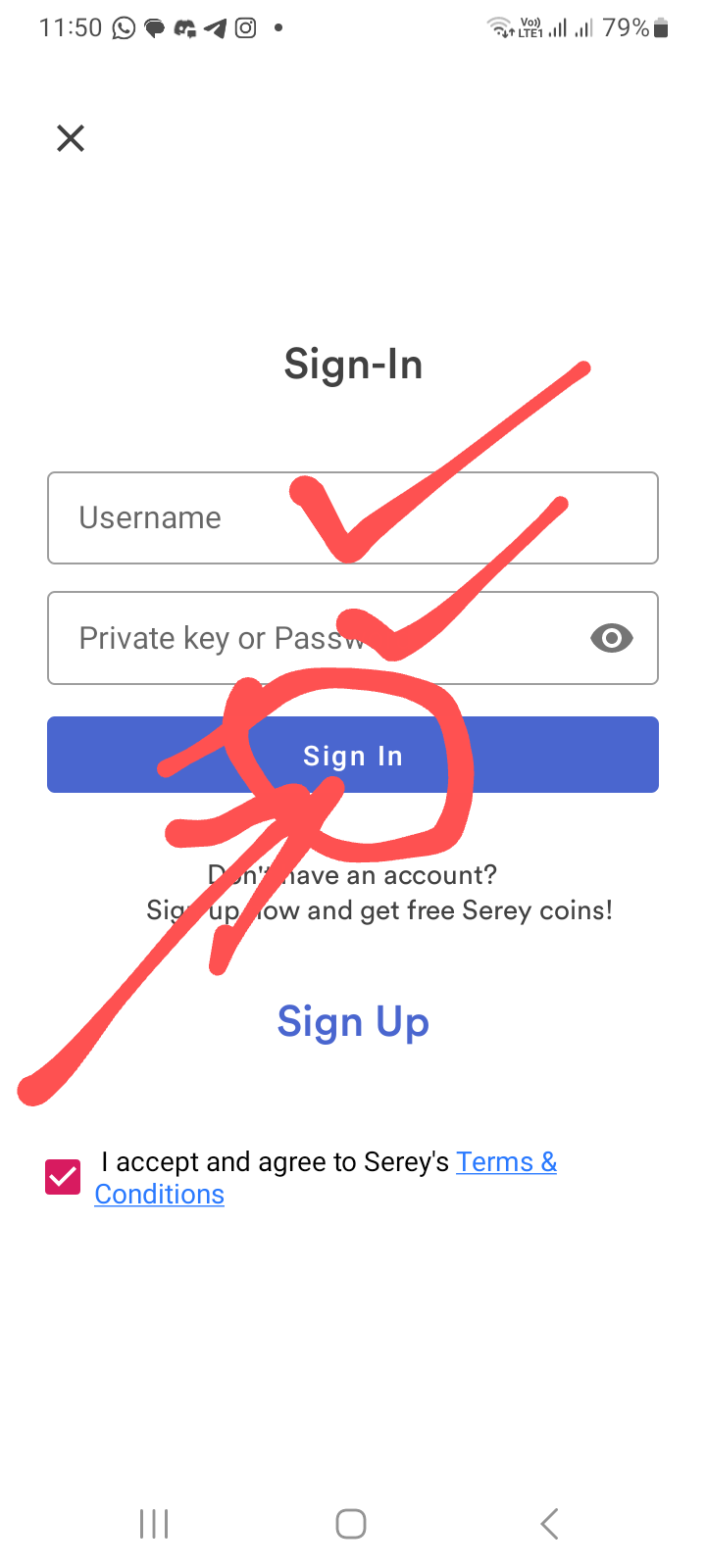
3. Now you will see a page like this. Here you have to open the Siri wallet by clicking on the sign in button by entering your username and password.
#
৩। এবার এরকম একটা পেইজ দেখা যাবে। এখানে প্রথমে ইউজার নেম ও পাসওয়ার্ড দিয়া সাইন ইন বাটনে ক্লিক করে সেরি ওয়ালেট ওপেন করে নিতে হবে।
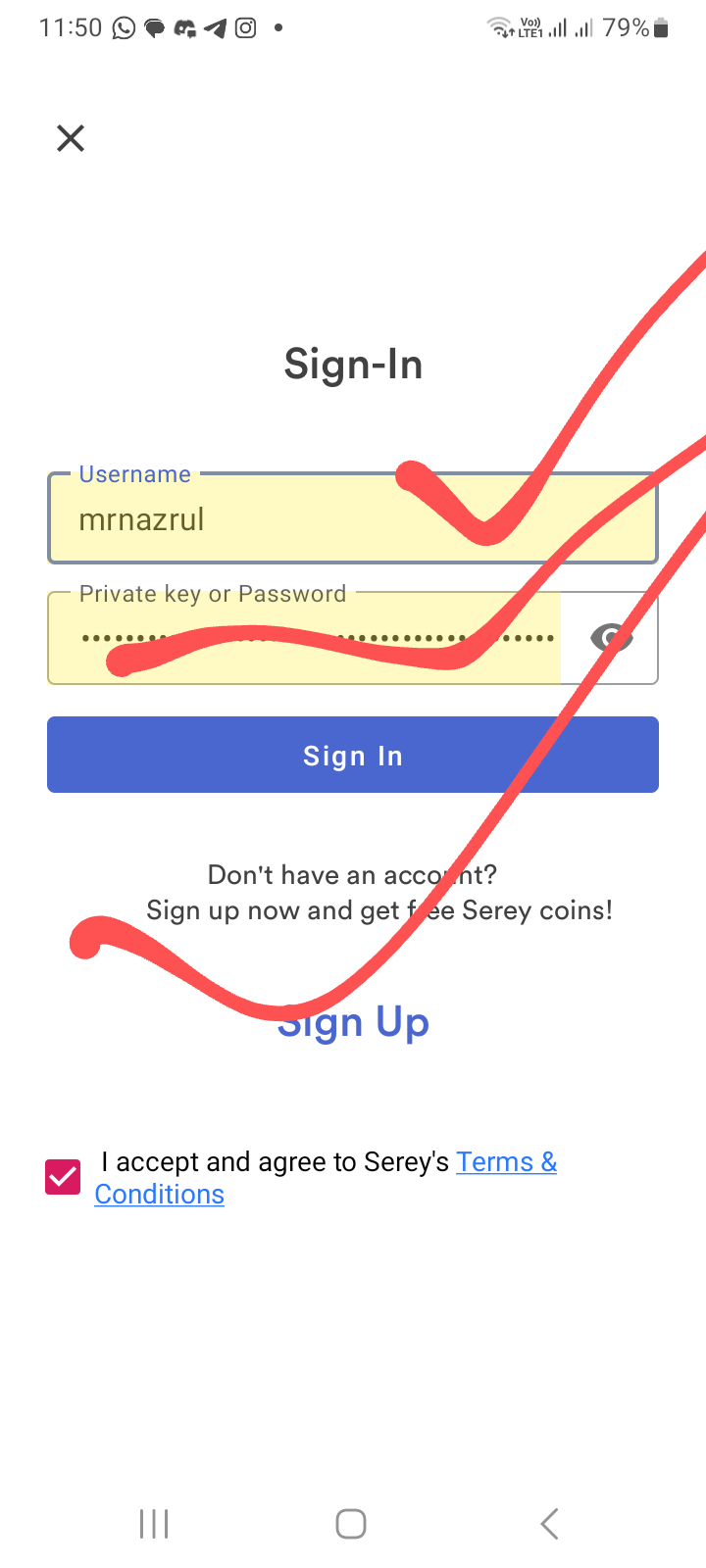
4. I showed you my username and password. It will look like this.
#
৪। আমার ইউজার নেম এবং পাসওয়ার্ড দিয়ে আমি দেখিয়ে দিলাম। এমন দেখা যাবে।
5. Now you have to enter the wallet by clicking on the wallet option.
#
৫। এবার ওয়ালেট অপশনে ক্লিক করে ওয়ালেট এর মধ্যে প্রবেশ করতে হবে।
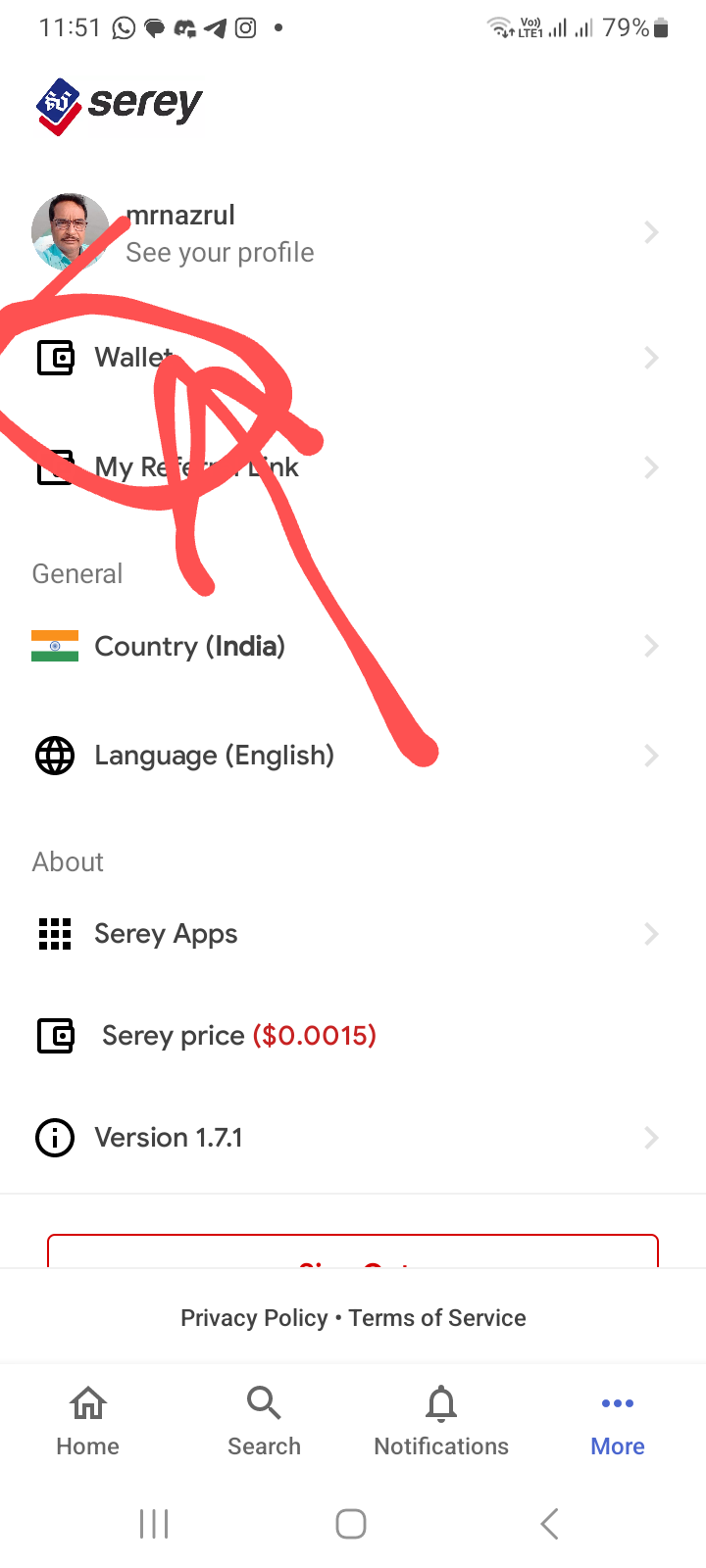
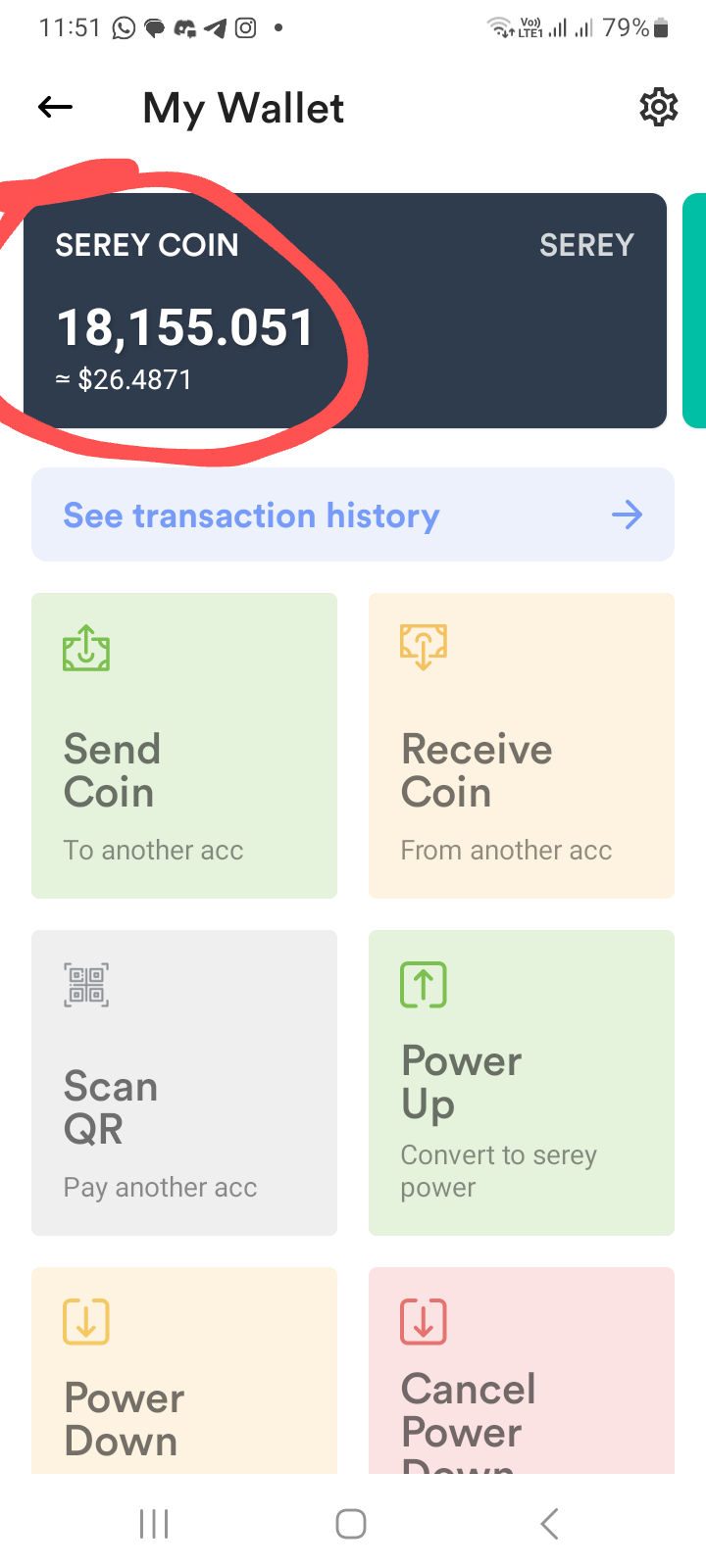
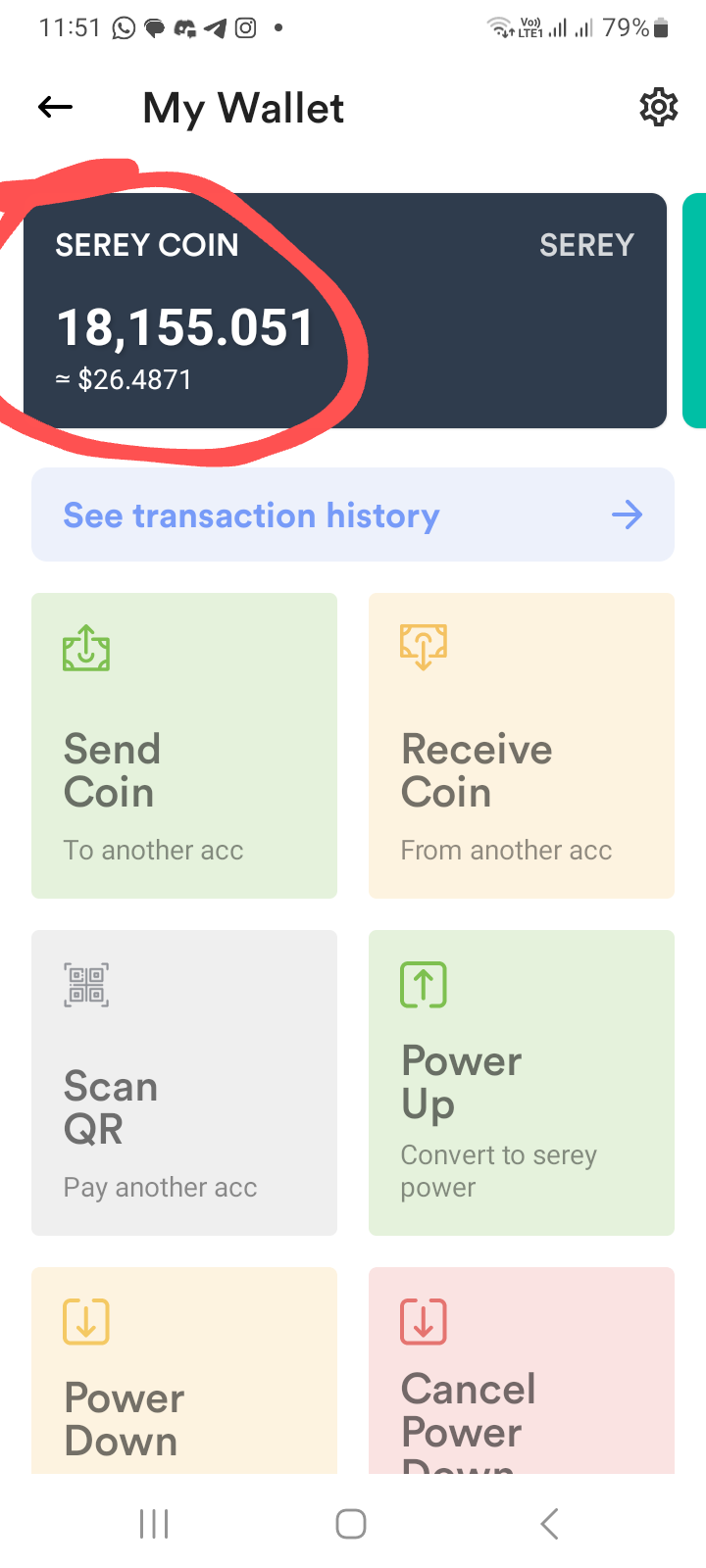
6. When the wallet opens, your total number of shares will be shown in the black area on the left.
#
৬ ।ওয়ালেট ওপেন হলে বাম পাশে কালো জায়গায় আপনার মোট serey দেখাবে।
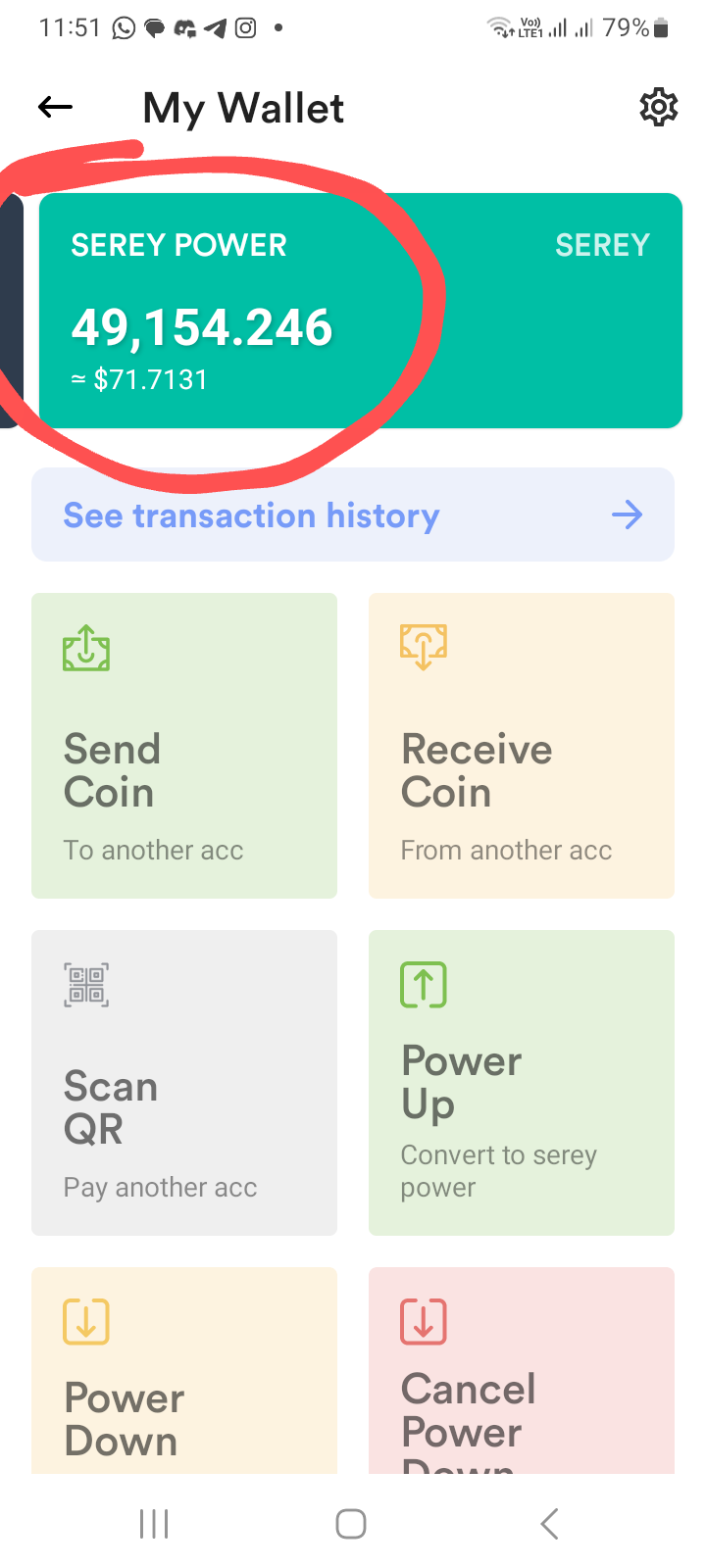
7. You will see your serial number on the right side.
৭। ডান পাশে আপনার serey পাওয়ার দেখা যাবে।
8. If everything is fine, click on the power up button. When you click on the power up button, a small processing script will appear and it will take a while.
#
৮। সব ঠিকঠাক থাকলে পাওয়ার আপ বাটনে ক্লিক করে দিতে হবে। পাওয়ার আপ বাটনে ক্লিক করে দিলে ছোট্ট করে প্রসেসিং লেখা উঠে একটু সময় নেবে।
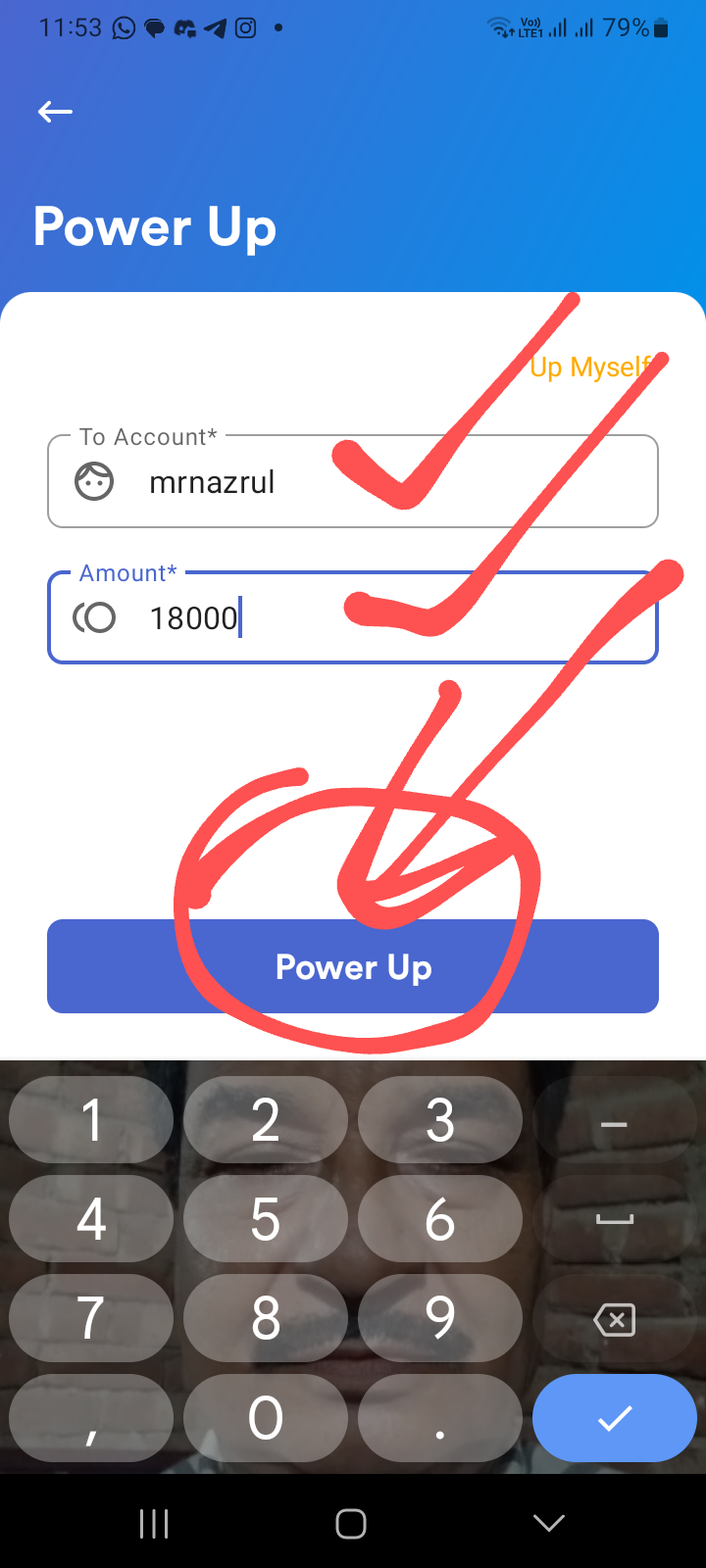
9. If everything is fine, now click on the confirm power up button and everything will be OK. Then you can check your balance as per the previous rules and see everything.
Friends, these were the rules for powering up serey. I hope that you can be a partner to many of you in a spontaneous post of mine. Stay well, stay beautiful.
If anyone has any knowledge about serey, comment:📜. Find out.

 32.825 SRY